Imagine this scenario:
You studied Maths and English for 2 years. You scored 320/390 in Mains. You are dreaming of the “Income Tax Inspector” post.
Then, the result comes. Disqualified.
Why? Because you scored 15 marks in the Computer Section (Cutoff was 18) or you failed the Typing Test.
This is not a horror story. This happened to over 40,000 candidates in the last SSC CGL Mains.
The new exam pattern has made Computer Knowledge (CK) and Data Entry Speed Test (DEST) mandatory for all posts. Yet, 90% of students treat these as “Timepass” subjects.
Today, I am sharing a “Survival Strategy” to clear these two hurdles with minimal effort, so your years of hard work don’t go to waste.
Part 1: Cracking the Computer Section (The 20-Hour Plan)
You do not need to be a software engineer. You just need to clear the cutoff.
The syllabus looks vast, but TCS (the exam agency) is obsessed with only two topics.
The “Hidden” Weightage
I analyzed the last 4 shifts of CGL Mains. Here is the breakdown:
| Topic | Weightage | Importance |
| MS Excel & MS Word | 40-50% | Critical. Shortcuts, Formulas, Menu Tabs. |
| Internet & Email | 20% | Protocol, Web Browsers, Email fields (BCC/CC). |
| Hardware/Software | 10% | Input/Output devices, Memory (RAM/ROM). |
| Networking/Security | 10% | Virus, Trojan, OSI Model (Basics). |
| Others | 10% | History of Computers, Full forms. |
The Study Plan
Do not buy a thick book.
-
Download a PDF: Search for “RBE Revolution Computer PDF” or “Shubham Jain Computer PDF” on Telegram. These are concise notes made specifically for TCS exams.
-
Focus on Shortcuts: TCS loves asking: “What is the shortcut to Hyperlink?” (Ctrl+K) or “What is the shortcut to Align Center?” (Ctrl+E).
-
Action: Make a 1-page cheat sheet of all
Ctrl +shortcuts. Stick it on your wall.
-
-
Practical Learning: Don’t just memorize. Open MS Excel on your laptop. Click on the “Insert” tab. See what options are there. Visual memory works best here.
Part 2: The Typing Test (The “Nerves” Game)
The requirement is 27 Words Per Minute (WPM) with 2000 Key Depressions in 15 minutes.
This sounds easy. But in the exam hall, with pressure and panic, 27 WPM feels like 50 WPM.
The “Touch Typing” Technique
If you type using two fingers (hunt and peck), you will struggle. You must learn Touch Typing (using all 10 fingers without looking at the keyboard).
Resource: Go to TypingClub.com (Free). It teaches you finger placement in 3 days.
The “Noisy Hall” Simulation (Real Experience)
This is what nobody tells you.
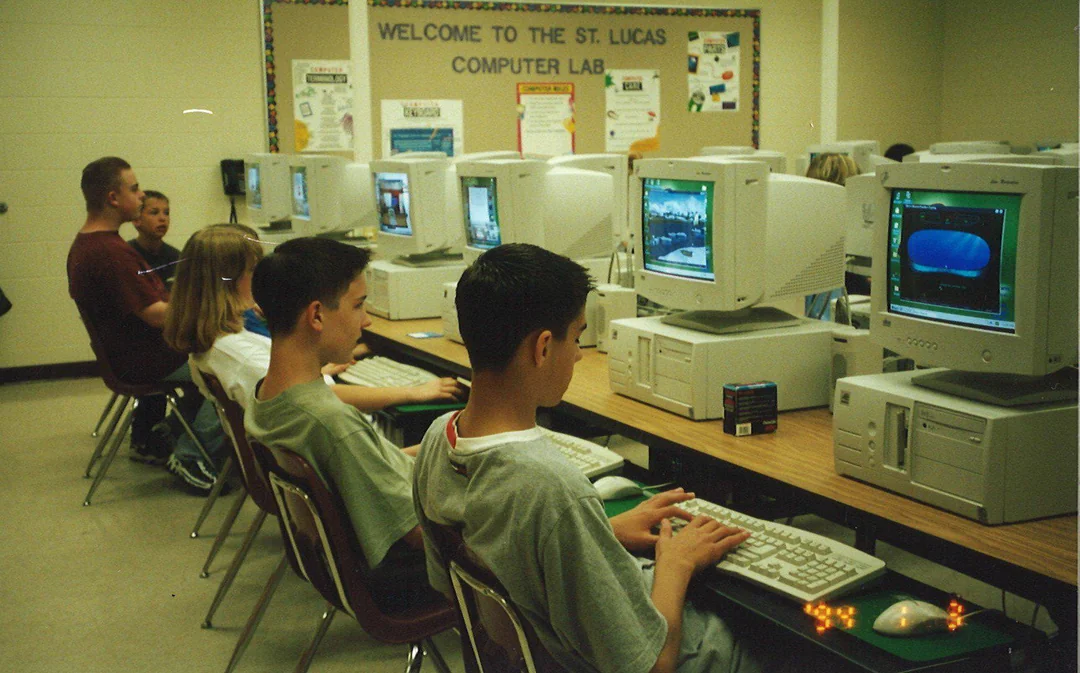
In the exam hall, 100 students start typing at the same time. The sound of 100 mechanical keyboards clattering is deafening. It sounds like a machine gun battle.
-
The Panic: If you practice in a silent room, this noise will freeze your brain.
-
The Fix: Go to a Cyber Cafe to practice once a week. Or, play “Keyboard Typing Sound” on YouTube loudly while you practice at home.
Recommended Software
Do not practice on MS Word. The exam interface is different.
-
Sony Typing Tutor: The interface is very close to the actual TCS exam.
-
Typing Master: Good for building basic speed.
3 Golden Rules for Exam Day
-
Don’t Correct Every Mistake: Backspace is allowed, but excessive use kills your speed. If you made a small spelling error, ignore it and move forward. Finishing the paragraph is more important than 100% accuracy.
-
Scroll Awareness: In the TCS interface, you often have to scroll down to see the rest of the text. Many students forget to scroll and miss the last 3 lines. Disqualified.
-
The “Mother’s Name” Trick: Before the test starts, type your mother’s name or a simple sentence 10 times to warm up your fingers. Cold fingers are slow fingers.
Conclusion: Treat it like Insurance
Think of Computer and Typing as “Job Insurance.”
You pay a small premium (30 minutes daily) to protect your massive asset (your Maths/GK preparation).
Do not wait for the Prelims result. Start typing for 15 minutes today.
-
Computer: Read 2 pages of MS Excel notes daily.
-
Typing: 1 paragraph daily on
Sony Typing.
Need to manage this extra study time? Use our 4-Hour Schedule for Working Professionals to fit it in.